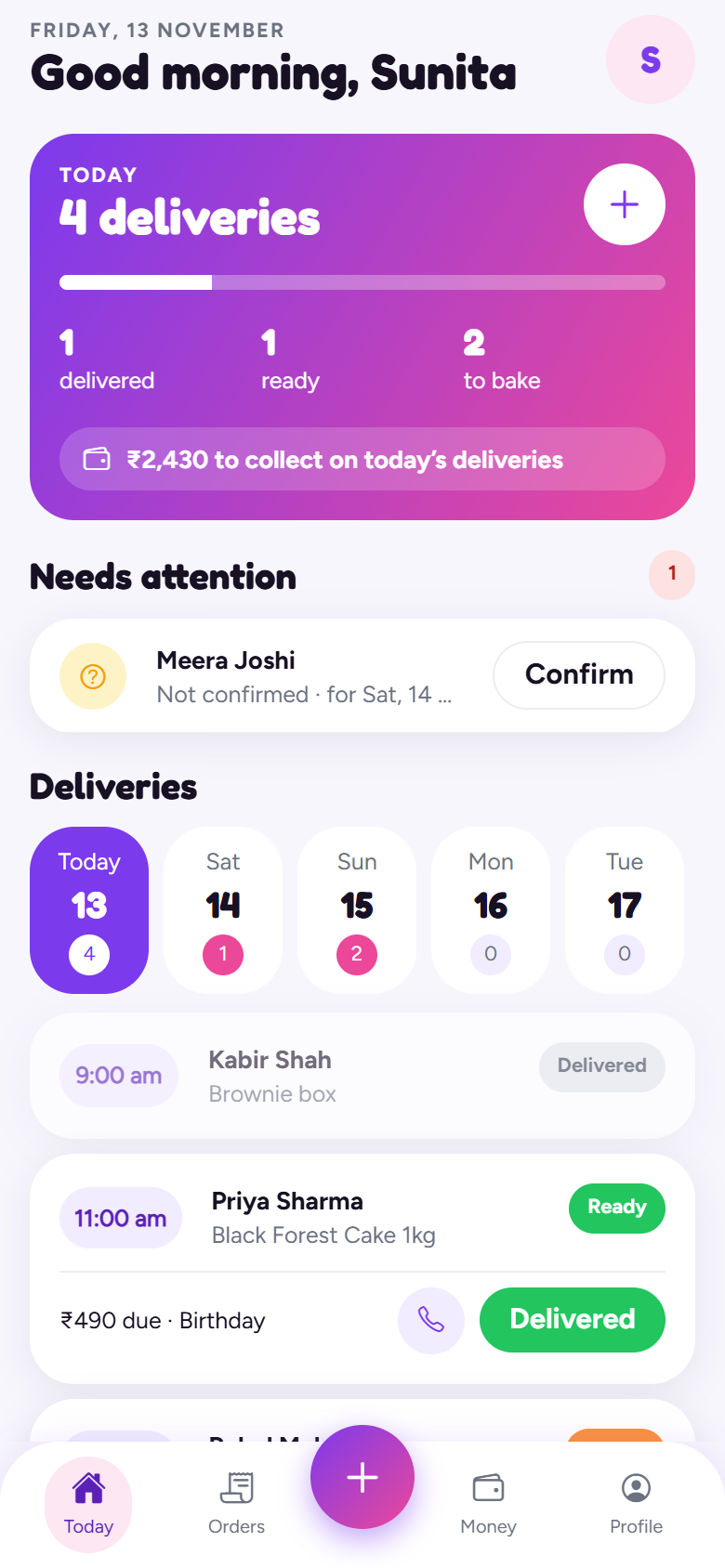
Android app
Get BakeOps
Install it straight from this page. It's free while we're in early access.
The first public build is on its way.
Message us on WhatsApp and we'll send you the link as soon as it's ready.
Message us on WhatsApp and we'll send you the link as soon as it's ready.
Installing on Android
- Tap the download button
Your phone downloads
BakeOps.apk. Open it from the notification or your Downloads folder. - Allow the install
Android asks to allow installing from your browser or WhatsApp (“Install unknown apps”). Turn it on once; you won't be asked again.
- Tap “Install anyway” if Play Protect asks
The app isn't on the Play Store yet, so Google may say it doesn't recognise it. That's expected.
- Open BakeOps and set up your shop
Add your shop name, phone and logo, then paste your menu. You're ready to take orders.
Updates arrive by themselves. New features and fixes download in the background and apply the next time you open the app. You only reinstall for rare big updates, and we'll tell you when.
On iPhone? An iPhone version is planned. Your customers can already open receipts and tracking links on any phone.